AHA! IMAGE TOOLS

Prepare your photo for upload

Need a 600×600 photo under 500 KB? Enter the required dimensions and file size limit, then prepare a JPG or PNG in one place.

Choose a photo and match the submission requirements

JPG · PNG / One file, up to 20 MB and 16 megapixels

Submission requirements

JPG keeps the dimensions you enter and searches for the highest fitting quality. Dimensions are never reduced automatically.

Photos stay in this browser. Download the result without uploading or storing it on our servers.

Compare the original and result before downloading.

BEFORE YOU SUBMIT

Dimensions and file size are different requirements

01

Check pixels and kilobytes separately

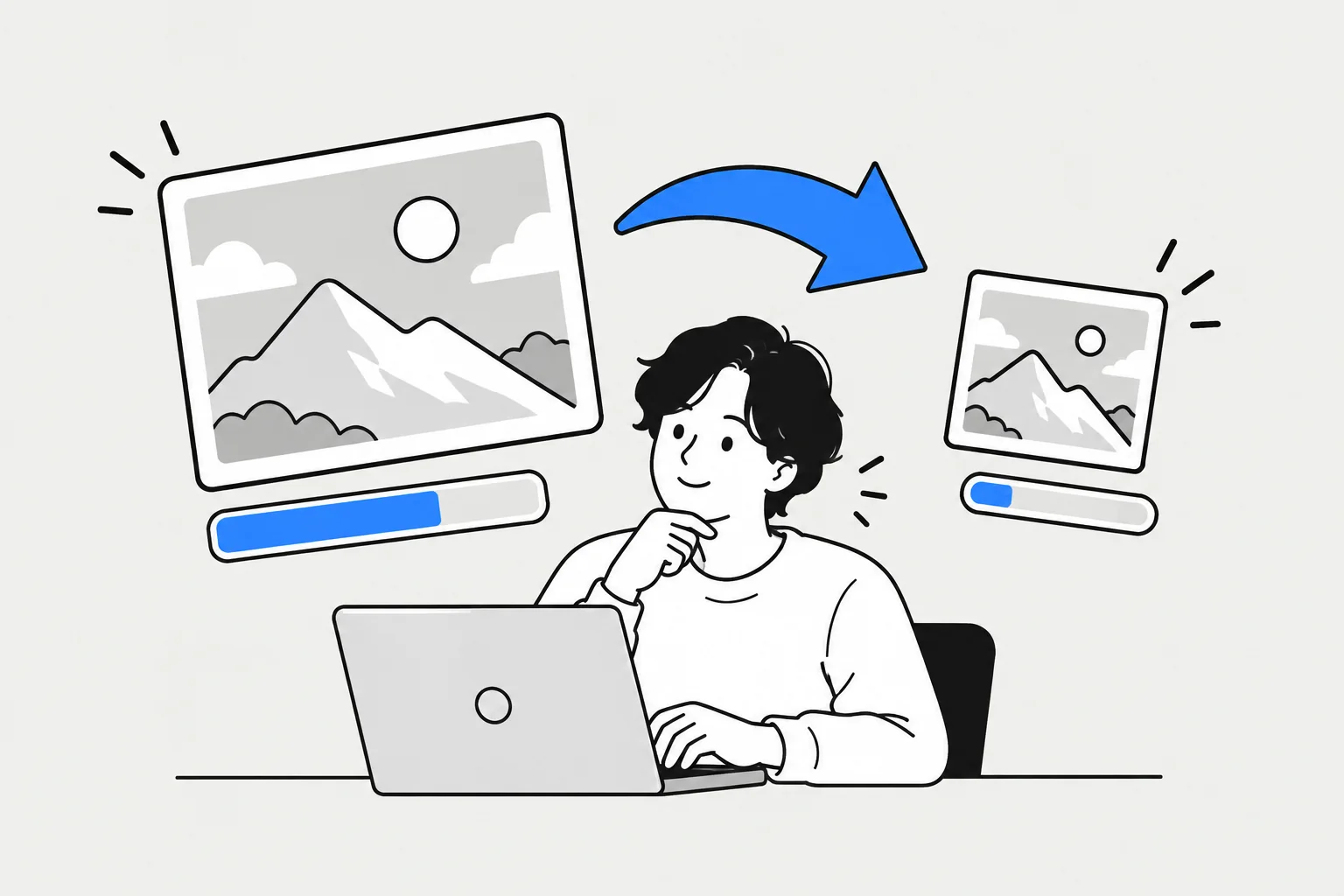
Pixel dimensions describe the width and height of an image. KB and MB describe the space a file occupies. Two 600×600 photos can have different file sizes because detail and texture affect compression. Check dimensions, file size and accepted formats in the upload instructions. This tool uses 1 KB = 1,024 bytes, so 1 MB is 1,024 KB. Leave a little headroom if the receiving service uses a different definition.
02

Choose padding or cropping

When the original and required aspect ratios differ, keep the whole image with white padding or crop excess edges to fill the frame. The photo is not stretched or squashed. With cropping selected, use the position sliders and inspect the result. Enlarging a small original does not restore missing detail. Check that faces, text and other important details are not cut off before downloading.

03

JPG usually helps with photo size limits

JPG can reduce file size by discarding some fine detail. This tool keeps your exact pixel dimensions and searches for a high quality setting that fits the limit. A very small limit may still be exceeded at low quality; reduce dimensions and try again. PNG saves output pixels without further compression loss, but photographic images can be large. If a PNG is over the limit, check whether JPG is accepted or reduce its dimensions.

04

The receiving service has the final say

Your photo is read and processed in this browser without being uploaded. Original metadata such as EXIF and GPS is not copied, and transparency or padding is saved as white. The tool does not certify passport or ID photo compliance, face placement or background suitability. Matching file requirements is only one step: check any rules about photo age, face size or background. Review the downloaded image for clarity and orientation, then check it in the receiving service.