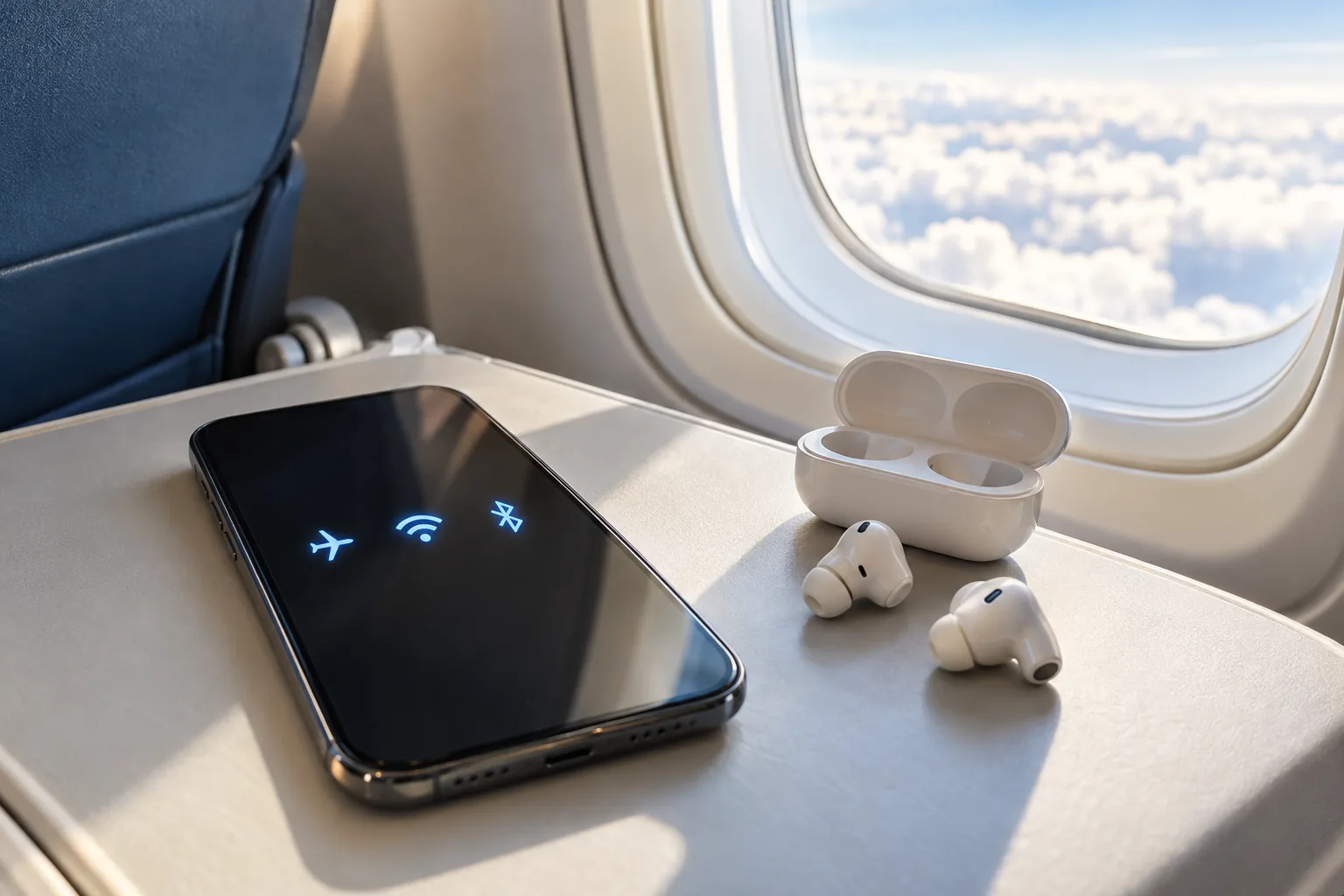
You have switched on airplane mode as instructed, yet someone nearby is listening through wireless earbuds or browsing the onboard Wi-Fi. Does that mean they have broken the rule?
Not necessarily. Airplane mode is designed to restrict cellular connections, but Wi-Fi and Bluetooth may still be available separately. What actually matters on a flight is the airline's and crew's instructions.
Airplane mode does not always lock every radio
Airplane mode changes the device's wireless settings for air travel, but exact behavior differs by operating system and settings. Apple explains that cellular and Wi-Fi can be disabled while Bluetooth remains available and Wi-Fi or Bluetooth may be used when permitted by the airline.
Google's Android guidance also explains how users may re-enable Wi-Fi and Bluetooth in airplane mode and how the device can remember those choices. A visible Bluetooth icon is therefore not proof that airplane mode is off.
Onboard Wi-Fi is not the same as cellular service
Phones commonly reach the internet either through a cellular provider's network or through a Wi-Fi network. An aircraft with onboard Wi-Fi can offer a local wireless network to its passengers. That is different from a phone trying to connect directly to ordinary ground-based cellular towers.
The US Federal Aviation Administration says that cellular connections must be disabled or airplane mode used, while onboard Wi-Fi can be used when the airplane has an installed system and the airline permits it. Some flights have no service, and some offer it only on certain routes or for a fee.
And what about Bluetooth earbuds?
Bluetooth connects nearby devices, such as a phone and headphones, over a short range. It is a different connection type from cellular service. FAA guidance has explicitly distinguished onboard Wi-Fi and Bluetooth accessories from ordinary cellular calling.
On flights where it is allowed, you may keep airplane mode enabled and use Bluetooth earbuds. But crew instructions take precedence, especially during safety briefings or when an item must be stowed.
A practical preflight checklist
First enable airplane mode. If the airline allows Bluetooth accessories, enable Bluetooth for your headphones. If onboard Wi-Fi is available, enable Wi-Fi at the permitted time and connect to the aircraft network. Do not casually turn cellular service back on for ordinary calls while airborne; rules and technical facilities differ by country and aircraft.
The simple distinction is this: airplane mode being on does not guarantee that Wi-Fi and Bluetooth are off. The safe approach is to leave airplane mode enabled and use only those connections the airline permits.
Sources
- iPhone, iPad, Apple Watch 및 Apple Vision Pro에서 에어플레인 모드 사용하기 — Apple
- 비행기 모드에서 Android 무선 연결 유지하기 — Google Pixel Help
- Flying Safe — Electronics on Board — FAA
- Portable Electronic Devices Presser — FAA