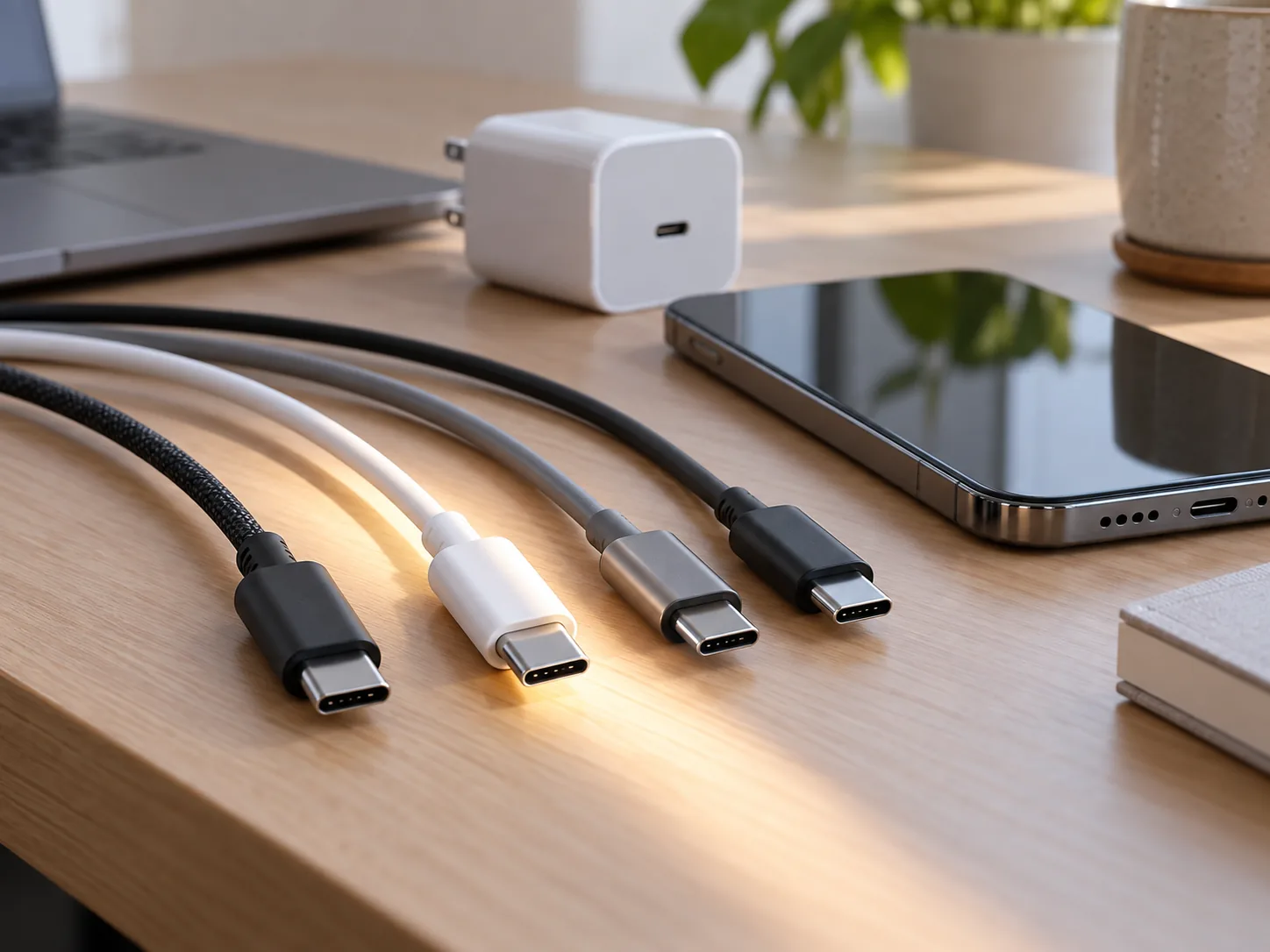
You plug an old USB-C cable into a new phone, and the battery crawls upward. The connector looks exactly right, so why is charging so slow? USB-C describes the shape of the connector. It does not mean every cable can carry the same amount of power or data.
The same connector can hide different capabilities
USB-C is a small, reversible connector. The cable inside it can be designed for different power levels and data speeds. Some cables are mainly for basic charging; others also support faster data or higher power. The metal plug alone does not tell you what the cable can do.
USB-IF, the organization behind USB standards, uses power-rating marks for compliant USB-C-to-USB-C cables. A cable may be rated for 60 watts or 240 watts, while its data capability is shown separately. Those ratings describe what the cable can support; they do not promise that every connected device will charge at that wattage. USB-IF explains its cable and connector labeling.
Your phone, charger, and cable have to agree
A charger’s wattage is only one part of the setup. The device has its own maximum input, and the cable has limits too. With USB Power Delivery, the device and charger communicate to settle on a supported power level. If one part of the connection cannot support a higher level, charging may fall back to a lower one. USB-IF describes how USB Power Delivery negotiates power.
That is why a 100-watt charger will not make a phone that accepts up to 25 watts charge at 100 watts. A laptop connected to a charger that is too low-powered may charge slowly, or its battery may keep draining while it is in use. A high-rated charger is not a command to force that much power into every device; the supported combination determines what happens.
Charging speed and file-transfer speed are different
A cable can charge quickly and still transfer files slowly. It can also move data quickly without supporting the power level you need. USB-IF marks power and data capabilities separately for a reason: watts describe power, while gigabits per second (Gbps) describe data speed.
If copying photos from your phone takes ages, a cable that charges the phone may still be the bottleneck. Check the packaging or the manufacturer’s specifications for both power and data. Do not assume that a large number on the box refers to charging unless it is labeled in watts.
How to troubleshoot a slow charge
Start with your phone or laptop’s maximum wired charging rate and the charger standard its manufacturer recommends. Then check the charger’s output and the cable’s power rating. Multi-port chargers can divide or change their output when several devices are connected, so compare the result with just one device plugged in.
Heat can also slow charging. A device may reduce power when it is hot, nearly full, or being used heavily. A damaged cable can cause problems too. Try a known-good cable and charger, and see whether the same combination charges another device normally. For high-power laptops, use a cable and charger that meet the manufacturer’s specifications.
USB-C made the connector more convenient; it did not make every cable identical. When two cables look the same but behave differently, their power rating, data capability, and compatibility with the connected devices are the details to check.