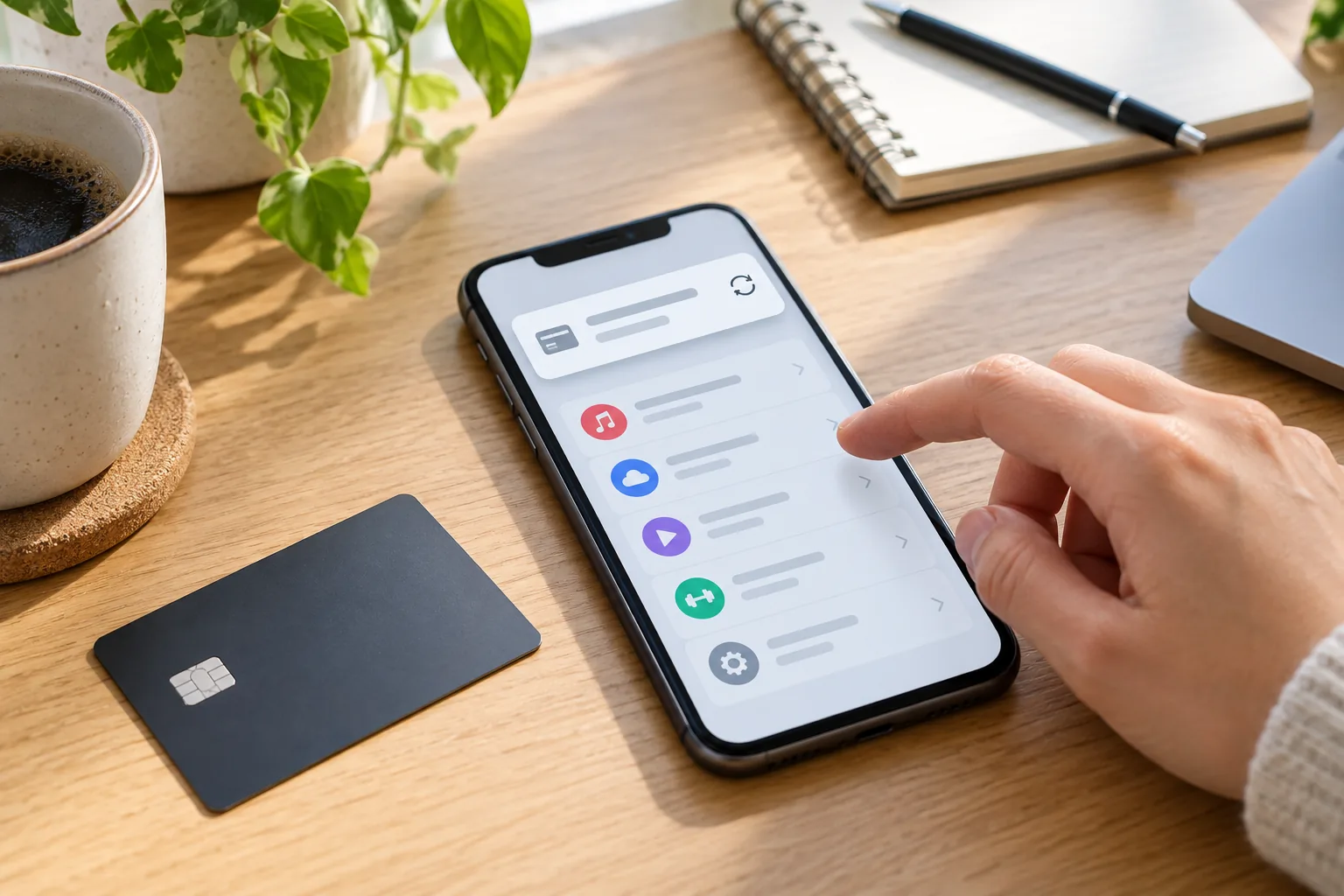
You deleted an app, but its subscription charge appears again. Removing software from a phone and stopping a subscription's next renewal are separate actions. Start with the receipt: identifying who bills you usually makes the cancellation route much clearer.
Using an iPhone does not necessarily mean Apple billed you
The same service may sell subscriptions through Apple, Google Play or its own website. A plan purchased on the website may not appear in your Apple subscriptions even if you use the iPhone app. The purchasing account and billing provider matter more than the device.
Search your email for the service name and charged amount. Look for an Apple or Google Play receipt, or one issued directly by the service. A statement's merchant name may differ from the app's name; compare the date and order number too.
Follow the route used for payment
| Billing provider | Where to check |
|---|---|
| Apple | On iPhone: Settings → your name → Subscriptions → the subscription → Cancel Subscription |
| Google Play | Open Play subscriptions in the purchasing Google account, select the plan and choose cancellation |
| The service's website | Sign in to the purchasing account and find billing, plan or membership settings; contact its support if necessary |
Apple's official guide covers different devices and missing subscriptions. Google Play's guide explicitly states that uninstalling an app does not cancel a subscription. Menu labels can vary.
If it is missing, check the account
Compare the email on the receipt with the account you are using. The subscription could belong to another Google or Apple account, a family member, a carrier or another provider. It may also already have expired.
As a hypothetical example, you might purchase a plan on the website using email A, then sign into the app using email B. Searching B's subscriptions may not find A's payment. Finding the original receipt can help more than reinstalling the app.
Cancellation and refunds are different
Cancellation commonly stops future renewals; a refund of an existing charge can require a separate request. Continued access until the paid period ends does not necessarily mean cancellation failed. Account deletion should not be assumed to stop billing either.
Check the resulting status and end date, and save the confirmation. Installment or commitment plans can have remaining payment obligations even after renewal is stopped. Read the product's terms and any trial cancellation deadline.
What if another charge appears?
First rule out a different subscription or account. Gather the order number, charge date, amount and cancellation confirmation, then contact the billing provider or platform. For suspected unauthorized charges, also check the platform's reporting process and your card issuer's guidance. Do not send another person your password or full card number.
The useful final check is not whether the app is gone, but whether renewal has stopped at the actual billing provider. Find the receipt, cancel in the right account and keep the confirmation.