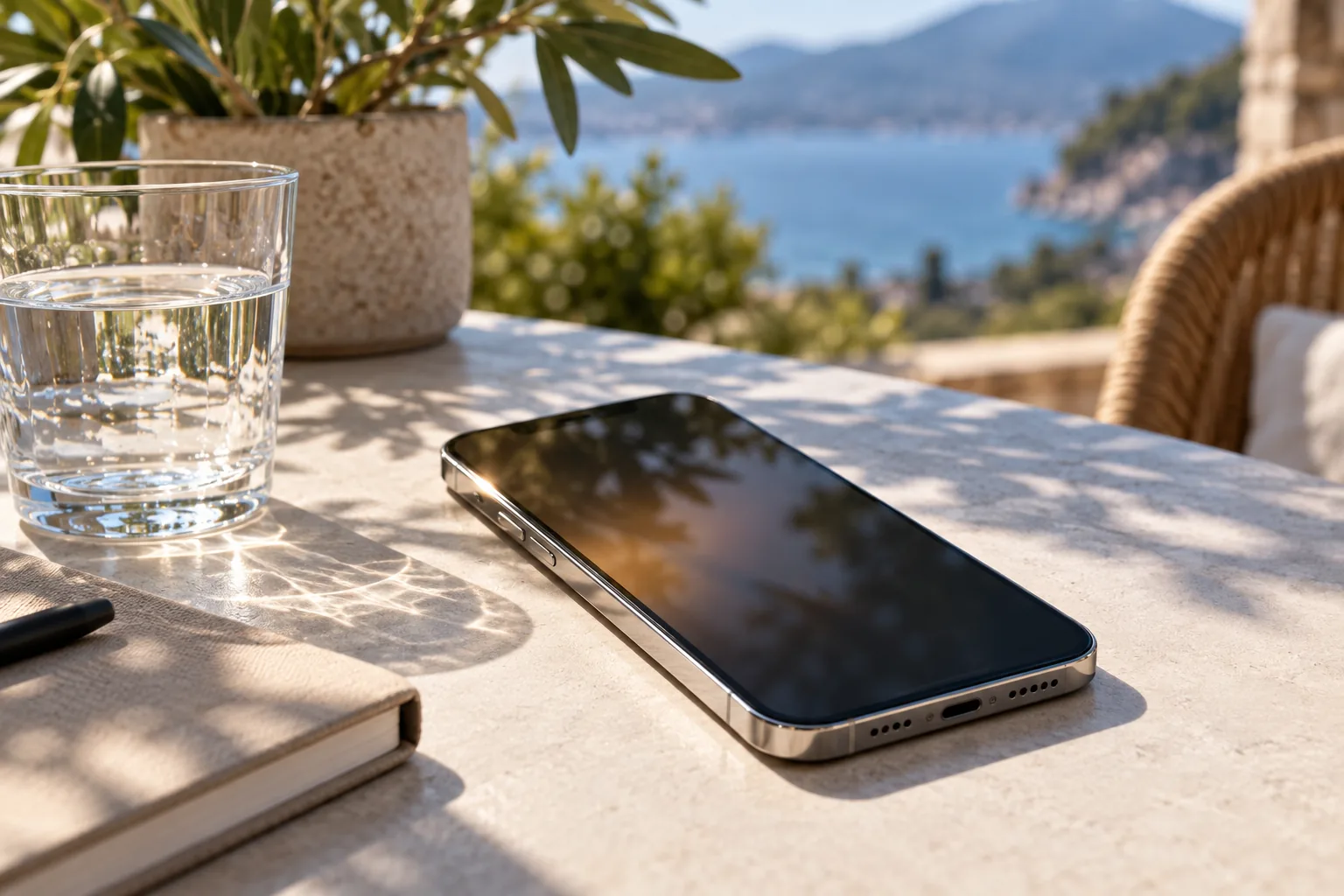
Heat builds up inside a compact phone
You raise your phone’s brightness outdoors, but the screen gets dimmer a few minutes later. It can look like a display fault, but if the device is hot, thermal management may be reducing brightness to protect the phone.
Dimming can reduce power and heat
A phone has to manage heat from its display, battery, and processor inside a compact body. Long gaming sessions, video recording, navigation, charging, or a hot environment can raise the internal temperature. As the device approaches its operating limits, the system may restrict functions to cool down.
Conditions that make overheating more likely
Lowering screen brightness can reduce power use and heat. Apple notes that an iPhone or iPad that gets too hot may dim its display or turn it off. Other manufacturers and models may handle heat differently, and may also limit charging speed, camera functions, or performance.
What to do when the screen dims
Direct sunlight, a hot car, and charging while running demanding apps can make the problem more likely. A thick case or wireless charging can also make heat harder to dissipate. Turning off automatic brightness may not override thermal protection.
Check settings after the phone cools
If the display dims, pause charging and move to a cooler, shaded place. Close demanding apps and let the device rest. Avoid putting a hot phone in a refrigerator or directly on ice: rapid temperature changes and condensation can cause problems.
After the phone cools, check automatic brightness, battery-saving mode, accessibility settings, and any display-limiting options. See whether the dimming happens only in one app. If the phone is not hot but the screen keeps dimming, or temperature warnings appear often, a device check may be appropriate.
Removing a case while the phone cools may help heat escape, but do not force-cool it or resume charging while it is still hot. Note the app, charging state, and ambient temperature if the issue repeats.
If dimming begins while charging, pause navigation or video playback for a while. Instead of forcing maximum brightness or using a cooling app, reduce the workload and let the device cool naturally.
The takeaway: A hot phone may dim its screen to reduce heat and protect its components. Let it cool in a shaded place, then check settings if the problem continues.