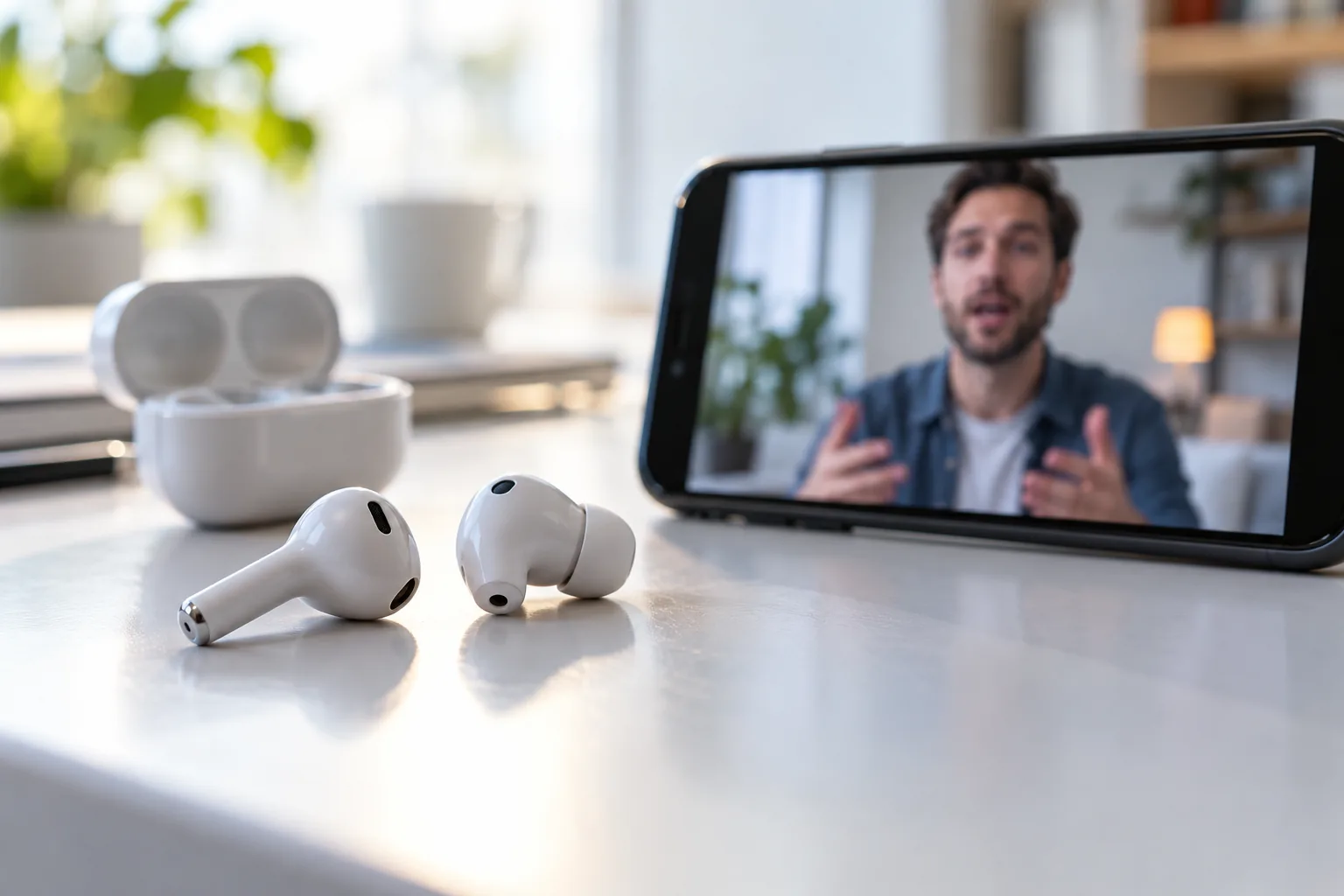
Wireless audio takes several steps
When a character’s lips move before the words reach your earbuds, the scene can feel badly dubbed. Music may sound fine, so why does Bluetooth lag show up during video or games? Wireless audio involves encoding, transmission, and decoding, and those steps can add time.
Why video makes lag easier to notice
A phone or computer compresses audio for Bluetooth, sends it, and the earbuds turn it back into sound. The delay can be small, but it may be more noticeable than with a wired connection. Codec choice, device performance, radio conditions, and other connected devices can all affect the result. Bluetooth audio specifications account for the time between sending data and playing it.
Apps may compensate for the delay
Music often hides the delay because there is no visual event to compare against. Video gives you clear cues such as lip movement or a clap. Games make timing even easier to notice because the sound follows a button press or on-screen action.
What you can check first
Operating systems and video apps can compensate by adjusting audio or delaying the picture. That is why the same earbuds may stay in sync in one streaming app but feel late in a game or video call. Some earbuds also offer a low-latency or gaming mode. It may reduce delay, though the feature can affect battery use or connection stability.
The device combination matters
Try keeping the earbuds close to the device, disconnecting Bluetooth devices you are not using, and checking for audio-sync settings in the app. Update the app and earbud firmware. Compare normal mode with a low-latency setting if your earbuds provide one.
The video stream itself can also be responsible. If only one app has the problem, compare another video or service. If the delay happens across multiple apps, reconnect the earbuds and compare with another speaker or headset to narrow down the cause.
Bluetooth does not always mean noticeable lag. Newer products can use techniques to reduce it, but the experience depends on the device pair and the app’s synchronization. Earbuds that work well for music may not be ideal for real-time gaming or calls.
To test sync, compare dialogue and a sharp sound such as a clap across more than one clip. Reconnecting the earbuds may clear a temporary issue; compare the built-in speaker to see whether the problem is app-specific.
The takeaway: Bluetooth processing can add delay, while apps and devices may correct it differently. First check whether the mismatch happens in one app or everywhere.