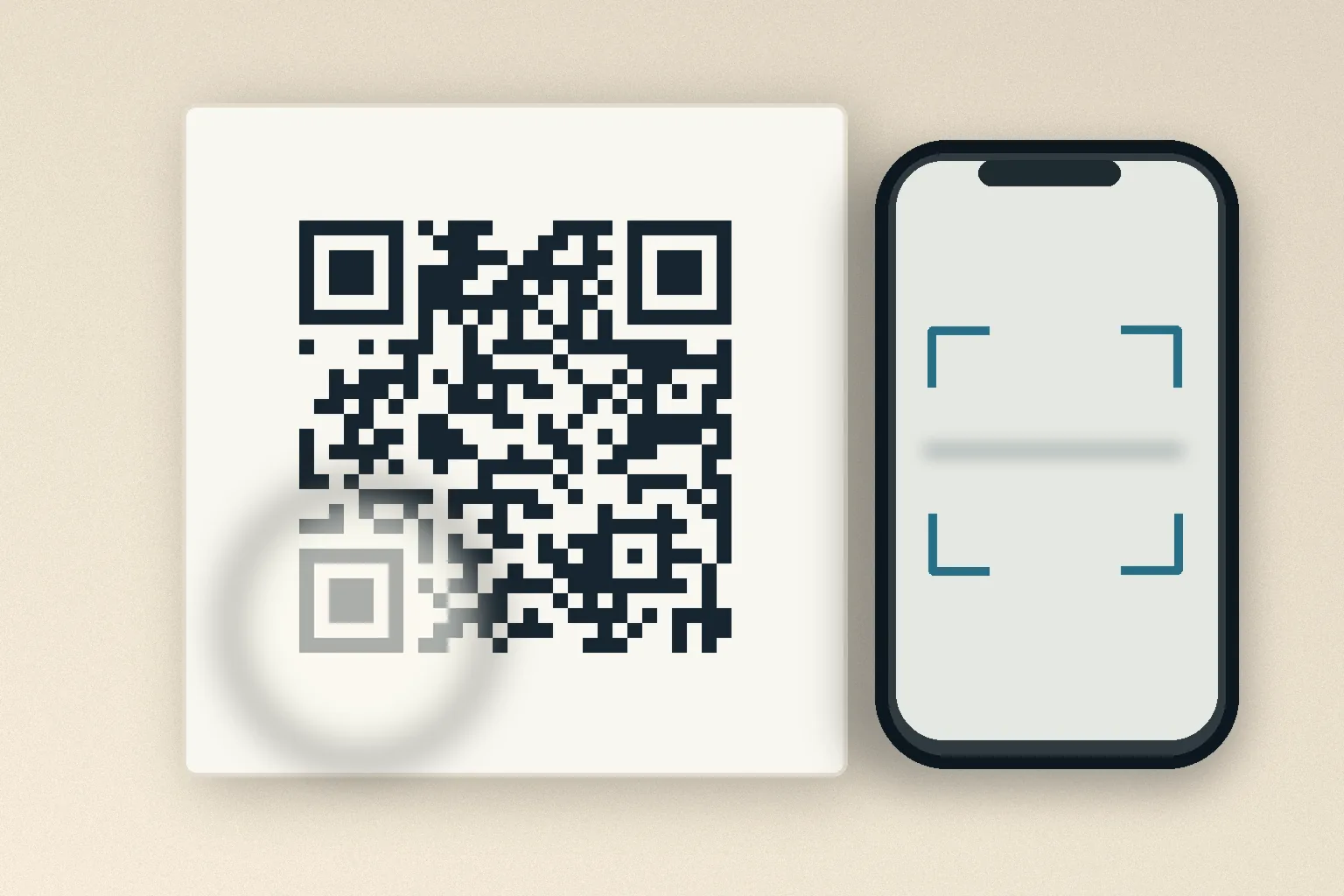
A QR menu at a restaurant will not scan, or an old poster contains a code that your camera never recognizes. Is your phone at fault, or is the code damaged?
First separate two problems: a camera that cannot read the symbol at all, and a camera that reads it but cannot open the destination. The first calls for checking the code and the shooting conditions. The second calls for checking connectivity and the link.
Start with light, distance and focus
For a code displayed on a screen, increase screen brightness and avoid reflections. For a printed code, reduce glare and shadows. Keep the entire square in view and try a different distance. A clean camera lens and a steady hand can also help. Google's Pixel instructions recommend exactly these troubleshooting steps.
If no link appears, check whether QR scanning is available or enabled in your camera app. Apple explains how to use Camera or the Code Scanner control on supported iPhones and iPads. You may not need a separate paid scanner app.
Why the empty border matters
A QR code is not only its grid of dark and light modules. It also needs an empty margin around the symbol so scanners can recognize its boundaries. DENSO WAVE specifies a four-module-wide quiet zone around all four sides of a standard QR code.
Resizing the image badly can distort individual squares. Printing text too close to the code or placing artwork over it can also interfere with reading. The QR code developer lists these as common scanning failures. Sometimes the design, not physical damage, is the real issue.
Can a partly damaged QR code still work?
QR codes include error correction, which helps recover information when parts of the pattern are dirty or damaged. DENSO WAVE describes several error-correction levels, but no single damage percentage guarantees that every code remains readable. The pattern and location of damage matter.
If the original file or a clean print exists, using it is best. You can also straighten a wrinkled sheet or improve the photo's lighting and contrast. But ordinary image enhancement cannot guarantee that missing QR data will be recreated correctly. If too much information is gone, request a replacement code from its issuer.
What if the scanner reads it but the page fails?
Once a link appears, test your internet connection and whether the destination still exists. A ticket or coupon may be expired even when its code scans correctly. Image sharpening cannot fix an expired entitlement or an unavailable website.
If an unfamiliar code directs you to an unexpected address, verify who issued it before entering personal or payment details. A readable QR code is not necessarily a trustworthy destination.
The useful first question is simple: did the camera fail to decode the code, or did the decoded link fail? The answer determines what to try next.
Sources
- 인식 오류의 예 — DENSO WAVE
- 오류 복원 기능에 대해 — DENSO WAVE
- Point for determining the code area — DENSO WAVE
- Scan QR codes with your Pixel phone — Google
- iPhone 또는 iPad로 QR 코드 스캔하기 — Apple