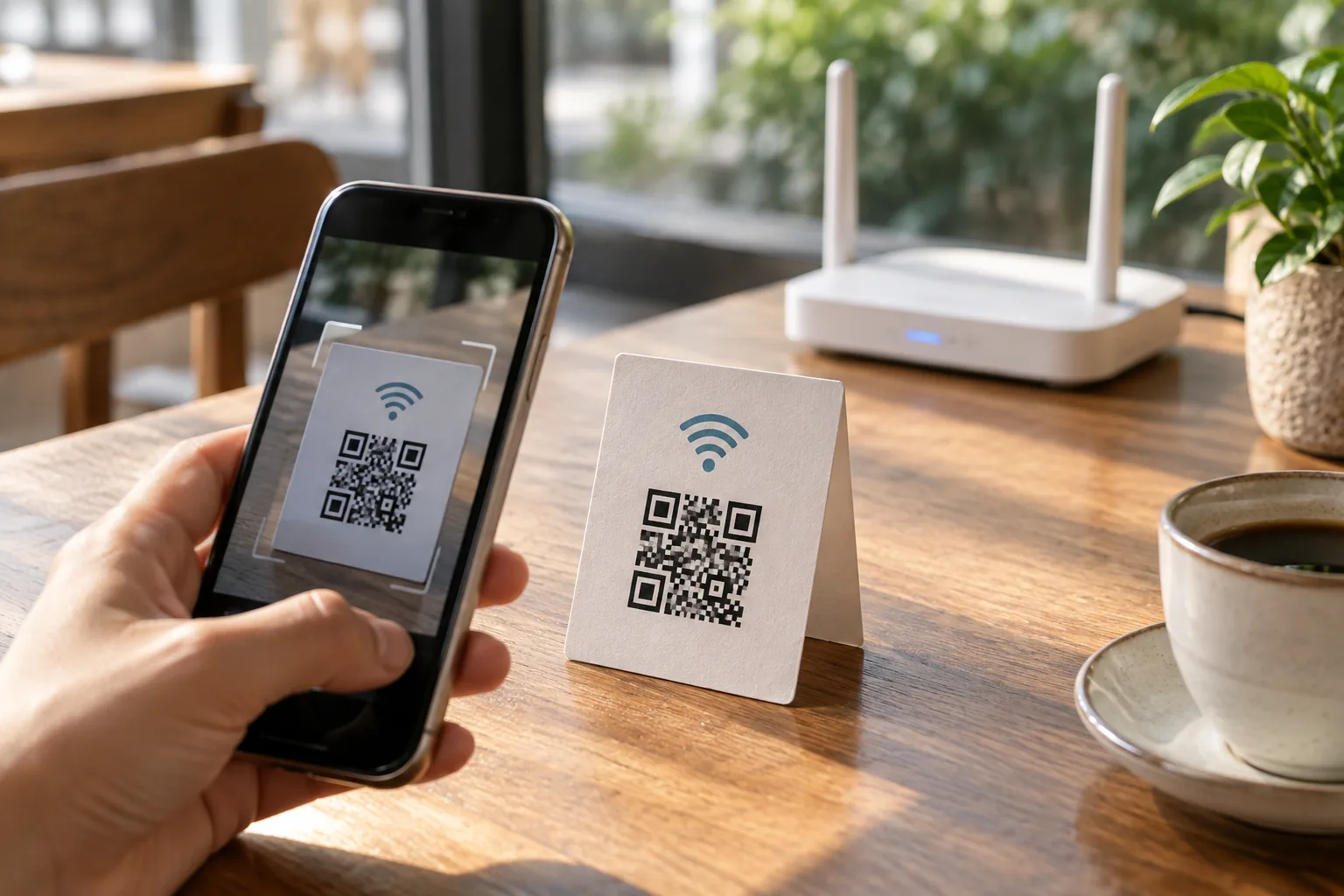
You open your laptop at a café and ask for the Wi-Fi password. It is a long string, and you are already wondering whether that character is a zero or the letter O. Then someone points to a small QR code. A quick scan brings up a connection prompt. How did your phone get the details without you typing them?
A pattern of black squares can feel like a special authentication device. But what happens if someone takes a photo of it? What information could another person read from that image?
Similar-looking codes can contain different things
A QR code on a menu usually contains a web address. Your camera reads that address and offers to open it. A Wi-Fi QR code instead packages network details in a recognizable format. The Wi-Fi format documented by ZXing includes fields for the network name, security type, and password.
Your phone can recognize those details and offer to connect. Google’s Android instructions describe sharing a connected Wi-Fi network as a QR code that another device can scan. The exact experience varies: you may need to confirm the connection, and some devices need a separate QR reader. Scanning does not mean every phone joins silently.
A picture does not make a password secret
A typical password-protected Wi-Fi QR code contains the password as data. The fact that you cannot see letters in the picture does not turn it into an encrypted vault. A reader that displays the decoded content can reveal the network credentials. An open network has no password to include.
Think of the code as a connection instruction card, compressed into a picture. It makes sharing convenient, but you still need to decide who should receive that card. Posting its photo to a public social account deserves the same consideration as sharing the connection details themselves.
For a café or an event, consider a separate guest network instead of sharing the network used for business devices. Keeping guest access separate can make it easier to manage who is using which network. Check your router’s instructions for the actual setup; a QR code cannot create that separation for you.
Before you customize the colors
It is tempting to match the QR code to your brand or venue. First, make sure it is readable. Similar foreground and background colors are harder to distinguish. AHA!’s tool checks for sufficient contrast and uses a dark code on a light background.
Avoid cropping tightly around the pattern, too. DENSO WAVE, the creator of QR codes, specifies a clear margin four modules wide on every side. A module is one of the small squares that makes up the code. AHA!’s generator preserves that margin automatically.
If you plan to put the code on a sign, print the downloaded file at its intended size and scan that actual printout. A code that works when displayed large on a screen may behave differently on a small printed card. Trying another phone is a useful extra check.
What happens after you download it?
The AHA! Custom QR Code Generator lets you choose a website link or Wi-Fi access, customize the colors, and select an image size. PNG works as a regular image; SVG stays sharp when enlarged for print. Your details and the QR image are processed in your browser and are not sent to AHA!’s servers.
 AHA! TOOLCustom QR codesTurn a website link or Wi-Fi details into a QR code you can download.Create a QR code
Local generation does not make the downloaded image confidential, though. The image still contains the details you entered. If you change your Wi-Fi password, create a new QR code. These static codes do not automatically acquire an expiration date.
So yes: a typical password-protected Wi-Fi QR code includes the password. It is a convenient way to hand over connection instructions. Before putting one on display, ask yourself one simple question: who should receive this instruction card?